Audit Logs
Page summary:Audit Logs captures every administrative action in a searchable, filterable history to aid troubleshooting and compliance. In this documentation, examples show viewing payloads and filtering by user or date.
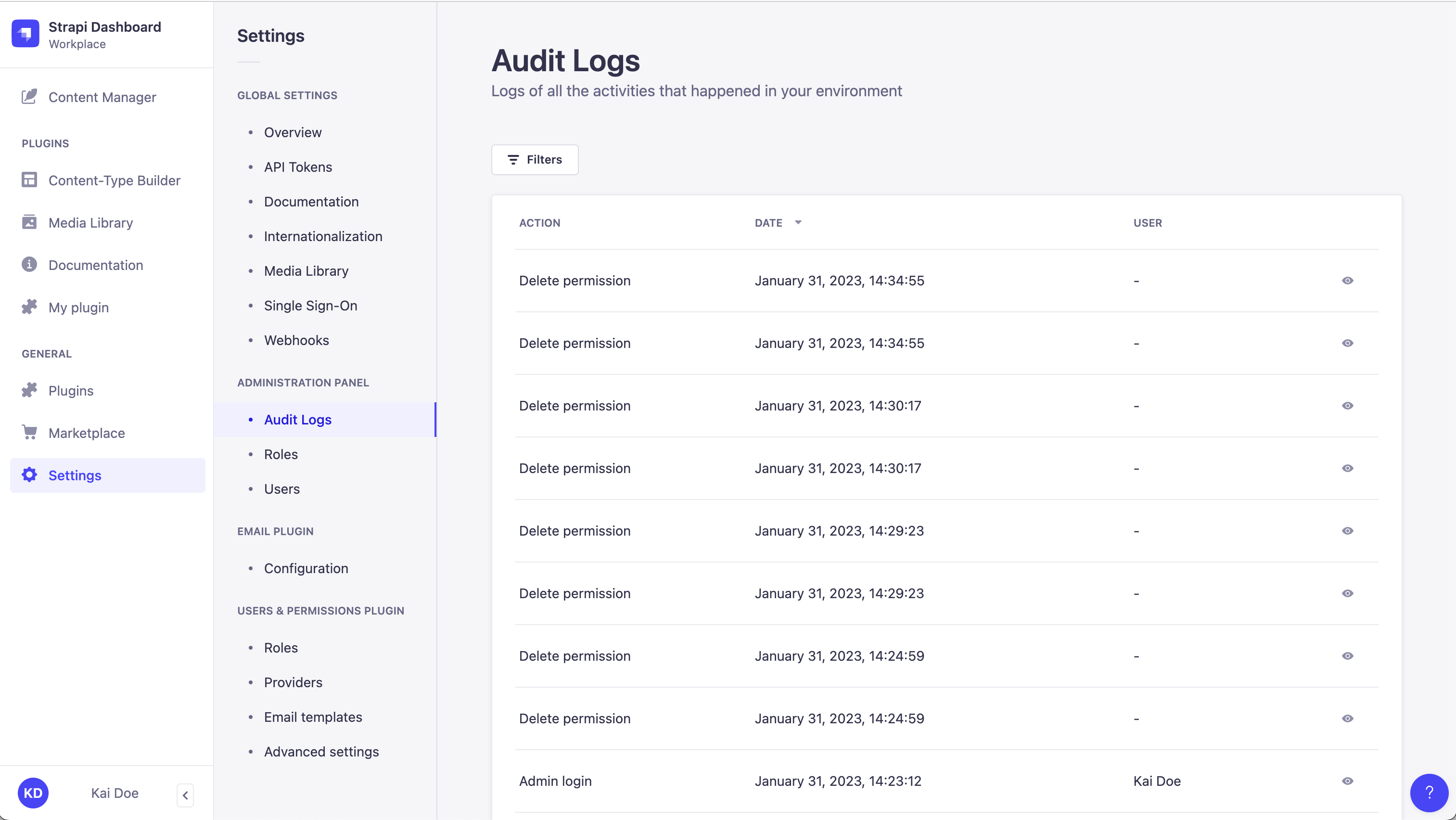
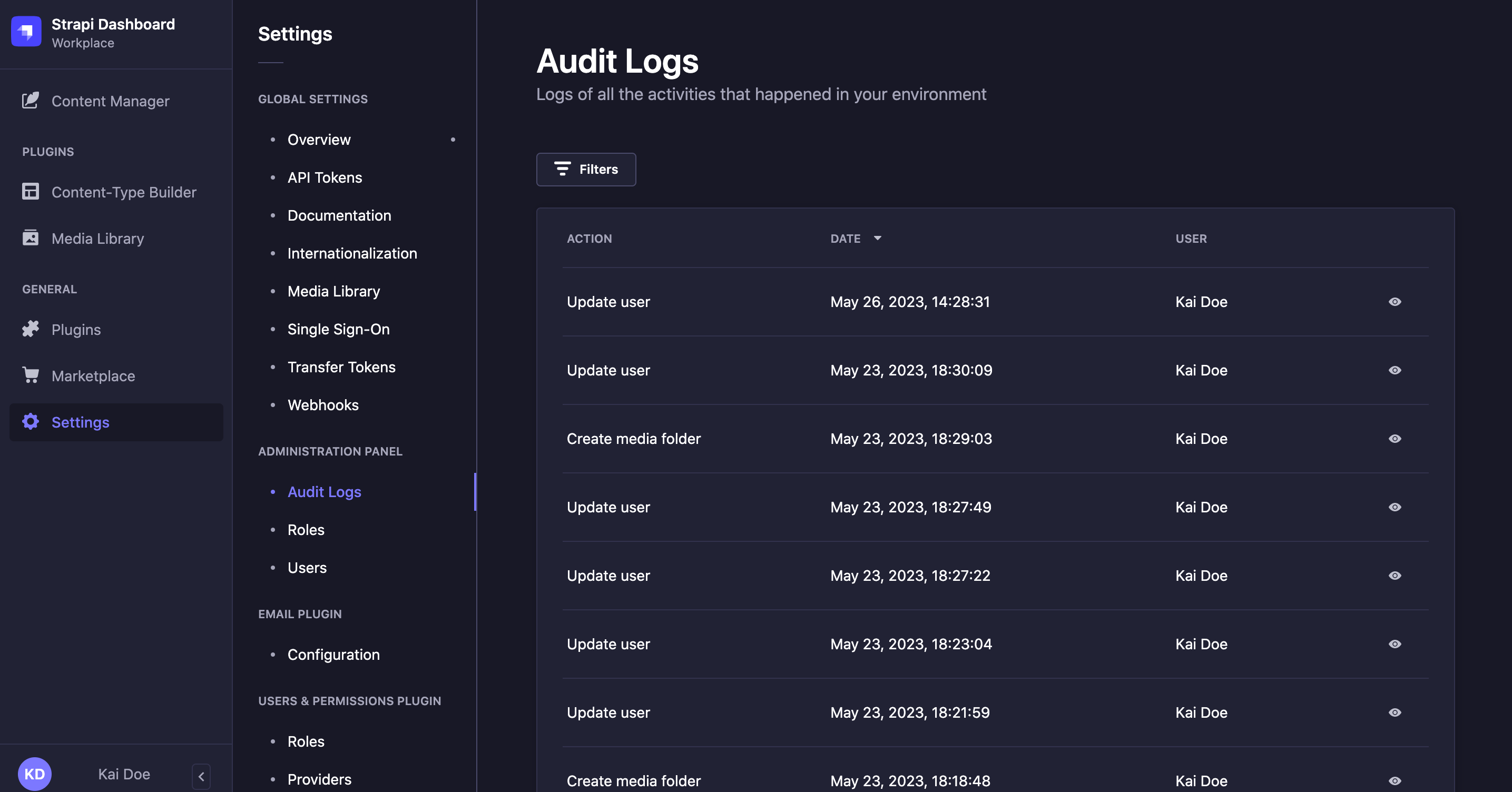
The Audit Logs feature provides a searchable and filterable display of all activities performed by users of the Strapi application.
Configuration
Audit Logs are not a permanent archive. Logs older than the retention period are deleted automatically. The retention period defaults to 90 days.
Logs deleted at the end of the retention period cannot be recovered from the Audit Logs interface.
Code-based configuration
The retention period is set with the auditLogs.retentionDays parameter of the /config/admin file.
If the license defines a retention period, the license value applies, unless a smaller value is defined in the configuration file.
- JavaScript
- TypeScript
module.exports = ({ env }) => ({
  // … other configuration properties
  auditLogs: {
    retentionDays: 30,
  },
});
export default ({ env }) => ({
  // … other configuration properties
  auditLogs: {
    retentionDays: 30,
  },
});
There is no equivalent setting in the admin panel: the retention period can only be configured from the /config/admin file.
The /config/admin file also accepts auditLogs.enabled, which turns off Audit Logs when set to false, and auditLogs.exportMaxRows, which limits exports. See the admin panel configuration for all available parameters.
Usage
Path to use the feature: Settings > Administration Panel - Audit Logs
The Audit Logs feature logs the following events:
| Event | Actions |
|---|---|
| Admin Login / Logout | success, error, autoRegistration |
| Audit log 5.53.0+ | export |
| Component | create, update, delete |
| Content Type | create, update, delete |
| Entry (draft/publish) | create, update, delete, publish, unpublish |
| Entry assignee 5.56.1+ | update |
| Entry review stage 5.56.1+ | updateEntryStage |
| Locale 5.54.0+ | create, update, delete, default.update |
| Media | create, update, delete |
| Media folder | create, update, delete |
| Releases | create, update, delete, trigger |
| Release entries | add, update, remove |
| Release settings | update |
| Role / Permission | create, update, delete |
| SSO settings 5.59.0+ | update |
| User 5.56.0+ | create, update, delete, password.update, password-reset.create, password-reset.confirm, invite.accept |
| Token 5.54.0+ | create, update, delete, regenerate |
| Webhook | create, update, delete |
| Workflow 5.56.1+ | create, update, delete |
For each log item, the following information is displayed:
- Action: type of action performed by the user (e.g.
createorupdate). - Date: date and time of the action.
- User: user who performed the action.
- Details: displays a modal with more details about the action (e.g. the User IP address, the request body, or the response body).
With Strapi 5.52.0 or later, logged actions can come from the admin panel or from the MCP server. Entry actions performed through the MCP server are logged like their admin panel equivalents. Actions that only read content are not logged.
Understanding log details
Each type of log return different details, as explained in the following sections.
User events
5.56.0This feature requires Strapi version 5.56.0 or later.User events cover admin accounts, recorded as admin-user.*. An update records only the fields that changed, among first name, last name, email, username, preferred language, active status, and roles. No row is written when nothing changed.
Admin log events
Admin login events record:
- successful logins (
admin.auth.success), - failed login attempts (
admin.auth.error), which captures the reason for failure (e.g.,invalid_credentials,account_inactive,sso_connection_error) and the authentication provider used - and new accounts created via SSO auto-registration (
admin.auth.autoRegistration), which records when an SSO login creates a new admin account.
Both failed login and auto-registration events are recorded with an unknown actor to protect privacy.
Password events
Password events cover:
- a password set from the profile or by an admin on another account (
password.update), - a password reset requested and confirmed from the public login page (
password-reset.createandpassword-reset.confirm), - and an invitation accepted (
invite.accept).
The password, its hash, and reset or registration tokens are never recorded. These password reset and invitation actions happen with no admin session, so their User column shows -.
Token events
5.54.0This feature requires Strapi version 5.54.0 or later.Token events cover:
- API tokens,
- admin tokens
- and transfer tokens.
Each log identifies which kind it was, and an update records the fields that changed, among the token name, its description, its type and its permissions. Access keys are never recorded, including on regenerate.
Webhook events
Webhook events record configuration changes for webhooks, including the URL, headers, events, and enabled status. To protect sensitive information, webhook URLs are recorded as scheme and host only (for example, https://hooks.example.com instead of the full URL with path or query parameters), and header values are never recorded, only header names. An update event records which fields changed and how; unchanged fields are not included.
SSO settings events
5.59.0This feature requires Strapi version 5.59.0 or later.SSO settings events come from the SSO configuration. An update records only the fields that changed, among auto-registration, the default role, and the locked roles; saving with no change to any of them writes no row.
Locked roles are compared as a set, so reordering them alone is not recorded as a change. Role ids are always recorded as numbers, whether the form sent them as numbers or strings.
Locale events
5.54.0This feature requires Strapi version 5.54.0 or later.Locale events come from Internationalization settings. Setting a locale as the default records a separate locale.default.update event, in addition to the locale.create or locale.update event.
Review workflows events
5.56.1This feature requires Strapi version 5.56.1 or later.Workflow, entry review stage and entry assignee events come from Review Workflows. Workflow events record changes to a workflow configuration. Entry review stage and entry assignee events record changes made to a single entry. See audit logging of review workflow actions for what each one records.
Accessing log details
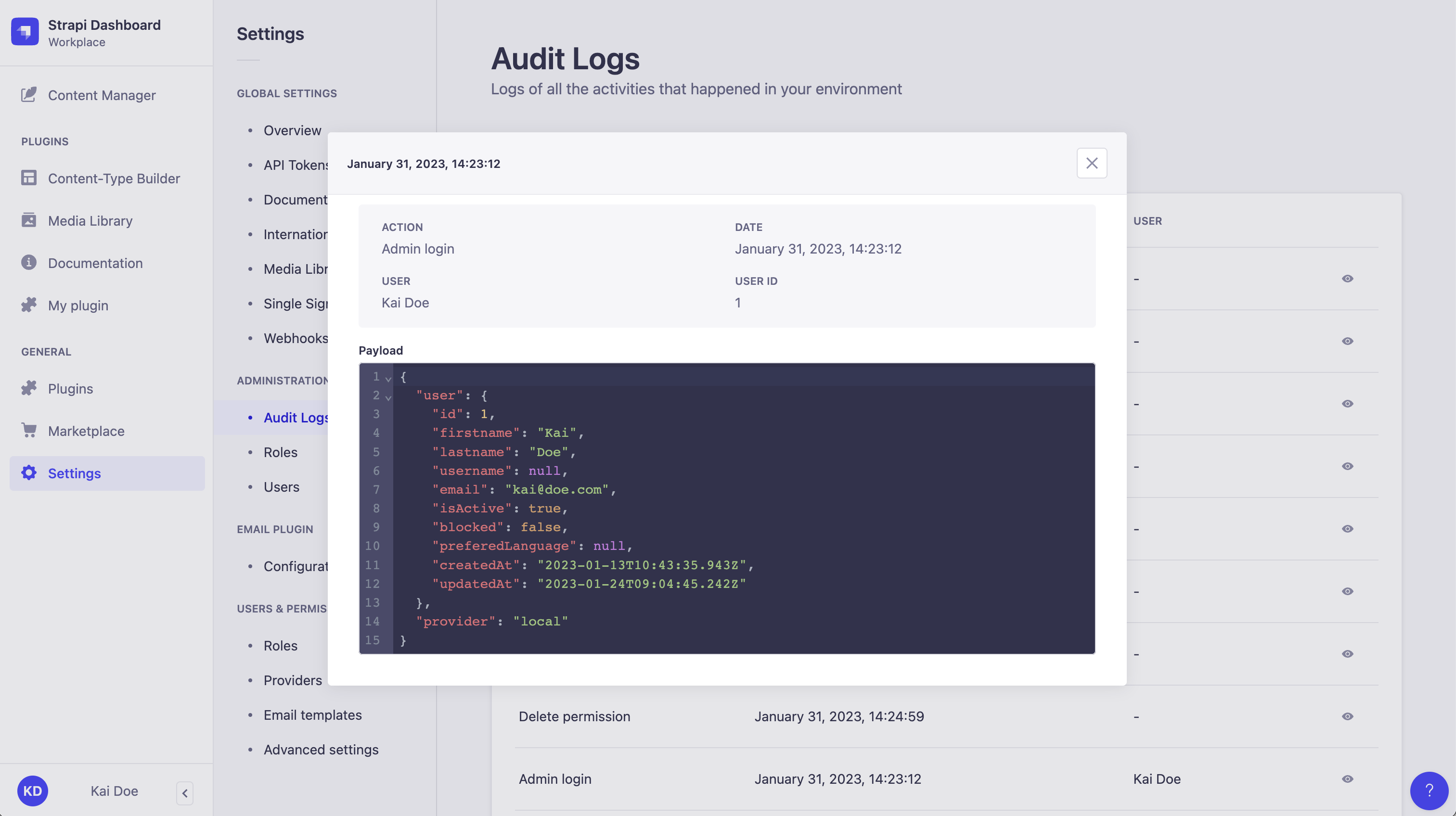
For any log item, click the icon to access a modal with more details about that action. In the modal, the Payload section displays the details in an interactive JSON component, enabling you to expand and collapse the JSON object.
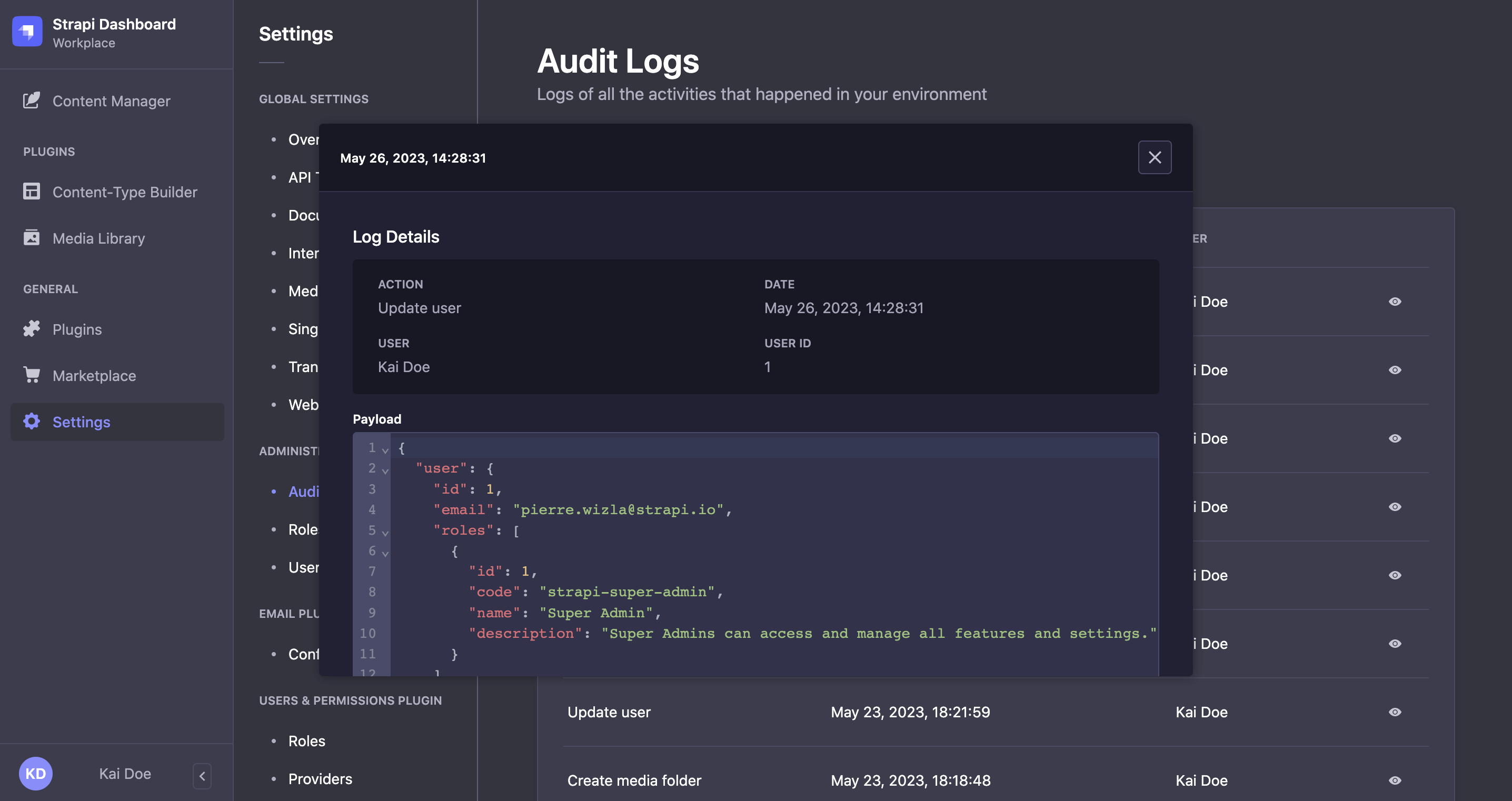
With Strapi 5.52.0+, in the payload, the origin key indicates where the action came from:
admin-panelfor the admin panel,mcpfor the MCP server,scheduler5.53.0+ for actions run automatically by Strapi, such as publishing a scheduled release.
Actions with the scheduler origin have no user, so their User column shows -. The audit log entry recorded when the release was scheduled identifies who scheduled it.
Filtering logs
By default, all logs are displayed in reverse chronological order. You can filter the logs by:
- Action: select the type of action to filter by (e.g
createorupdate). - User: select the user to filter by.
- Date: select a date (range) and time to filter by.
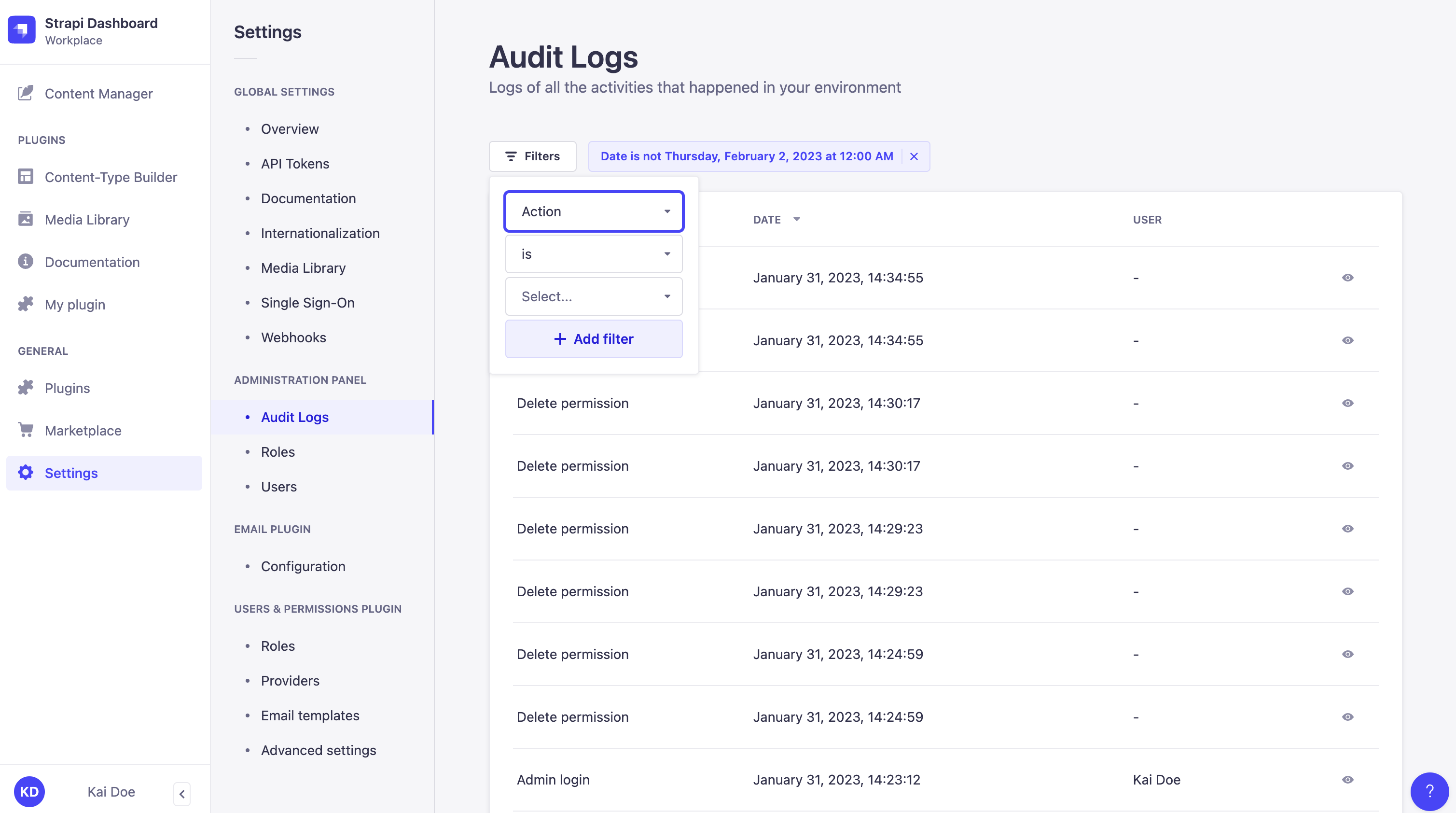
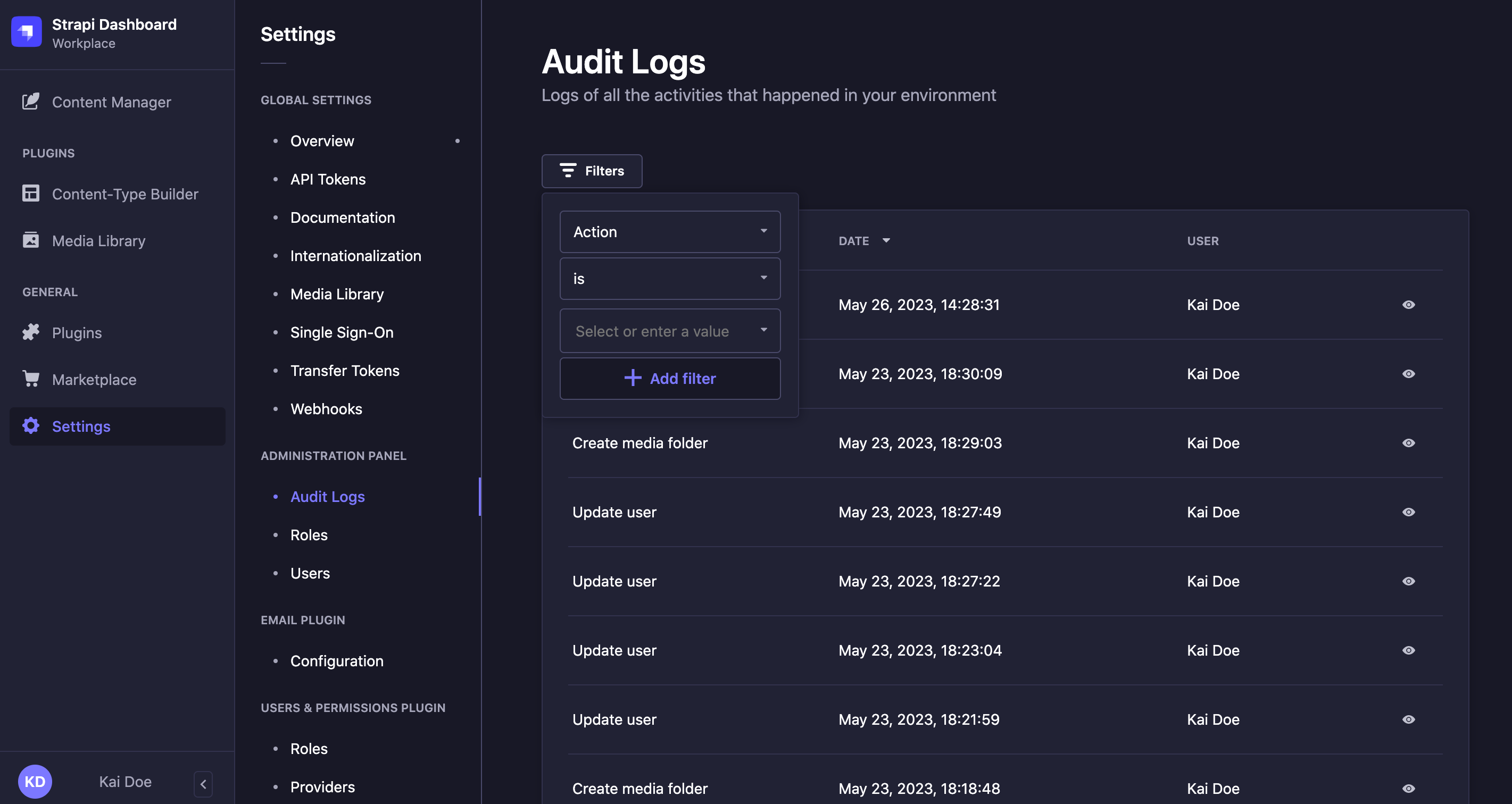
The Action filter also matches the legacy user.create, user.update and user.delete values used before this format, so old and new rows appear together.
Exporting audit logs
5.53.0This feature requires Strapi version 5.53.0 or later.Users with the export permission for Audit Logs can export the current filtered set of entries as a CSV file. To access this feature, the user's role must have both the Read and Export permissions under Settings > Administration Panel > Roles > Audit Logs (see admin panel configuration).
To export audit logs:
- (Optional) Apply filters to select the entries to export.
- Click Export as CSV to start pre-downloading the file. Keep the browser tab open until the pre-download completes.
- Click Download CSV to save the exported file.
Every export is itself recorded as an audit-log.export event. This event is included in the exported CSV file.
By default, exports are limited to 1,000,000 rows. To change this limit, set the auditLogs.exportMaxRows parameter in the admin panel configuration.